A useful gift for someone working from home can make their desk more comfortable, organized, or ready for calls. The right choice depends on the space they have and the way they spend their workday.
These 11 gift ideas for remote workers range from substantial workspace upgrades to modest desk accessories, with options for different routines and budgets.
11 Gift Ideas for Remote Workers
FLEXISPOT EN1 Standing Desk, 48 x 24-Inch Black Walnut
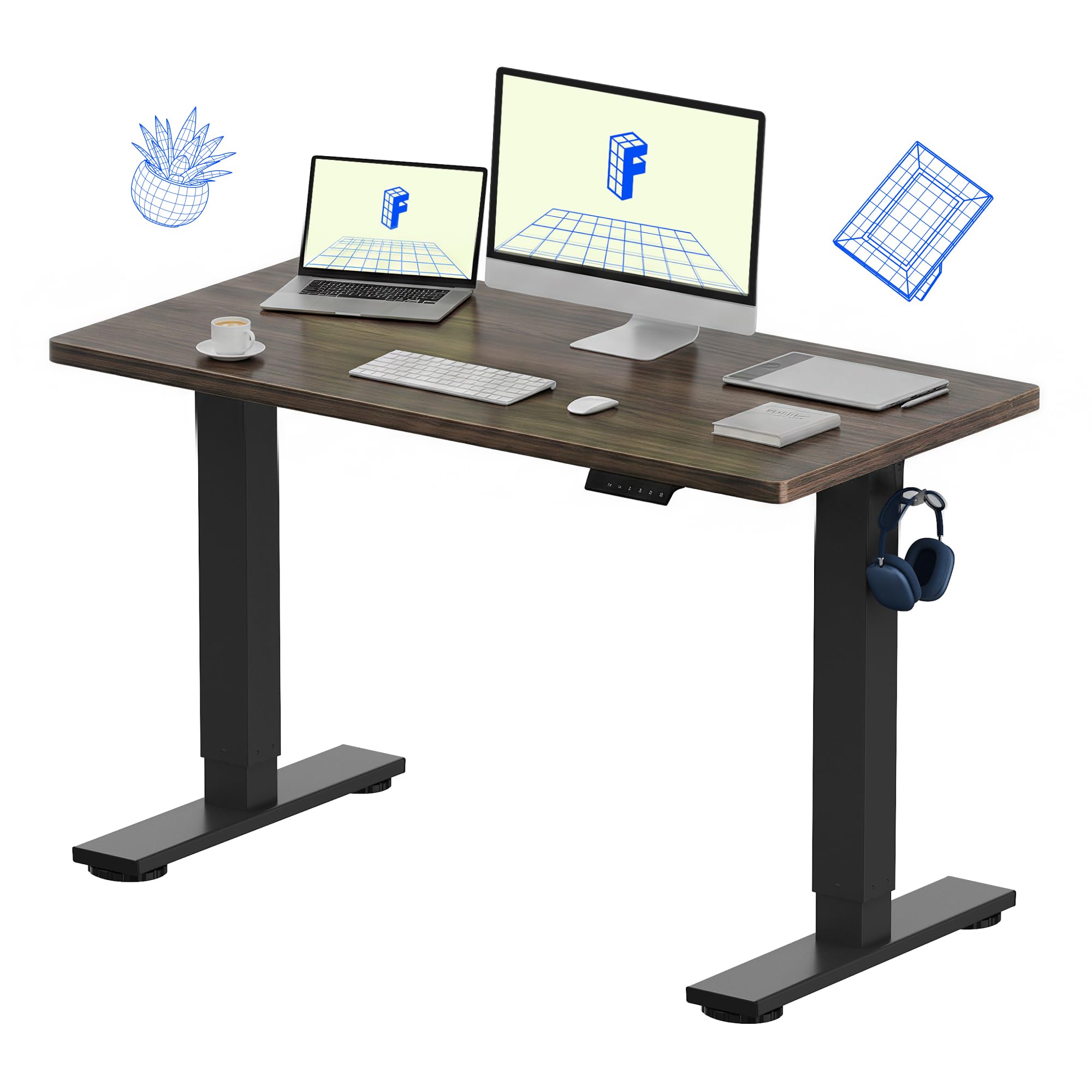
- Switch between sitting and standing with electric height adjustment and four memory presets.
- The one-piece desktop is designed for home offices and multi-monitor setups.
- The title gives its desktop size and black walnut finish.
Best Gift For: A remote worker setting up a dedicated workspace or looking for a sit-or-stand desk.

JLab Go Work Wireless Headset, 1-Pack

- Bluetooth multipoint can connect to two devices simultaneously.
- The boom microphone rotates out of the way for listening.
- Includes a cable for wired use as well as a charging cable.
Best Gift For: A remote worker who moves between computer calls and mobile listening.
SteelSeries QcK XXL Cloth Mouse Pad
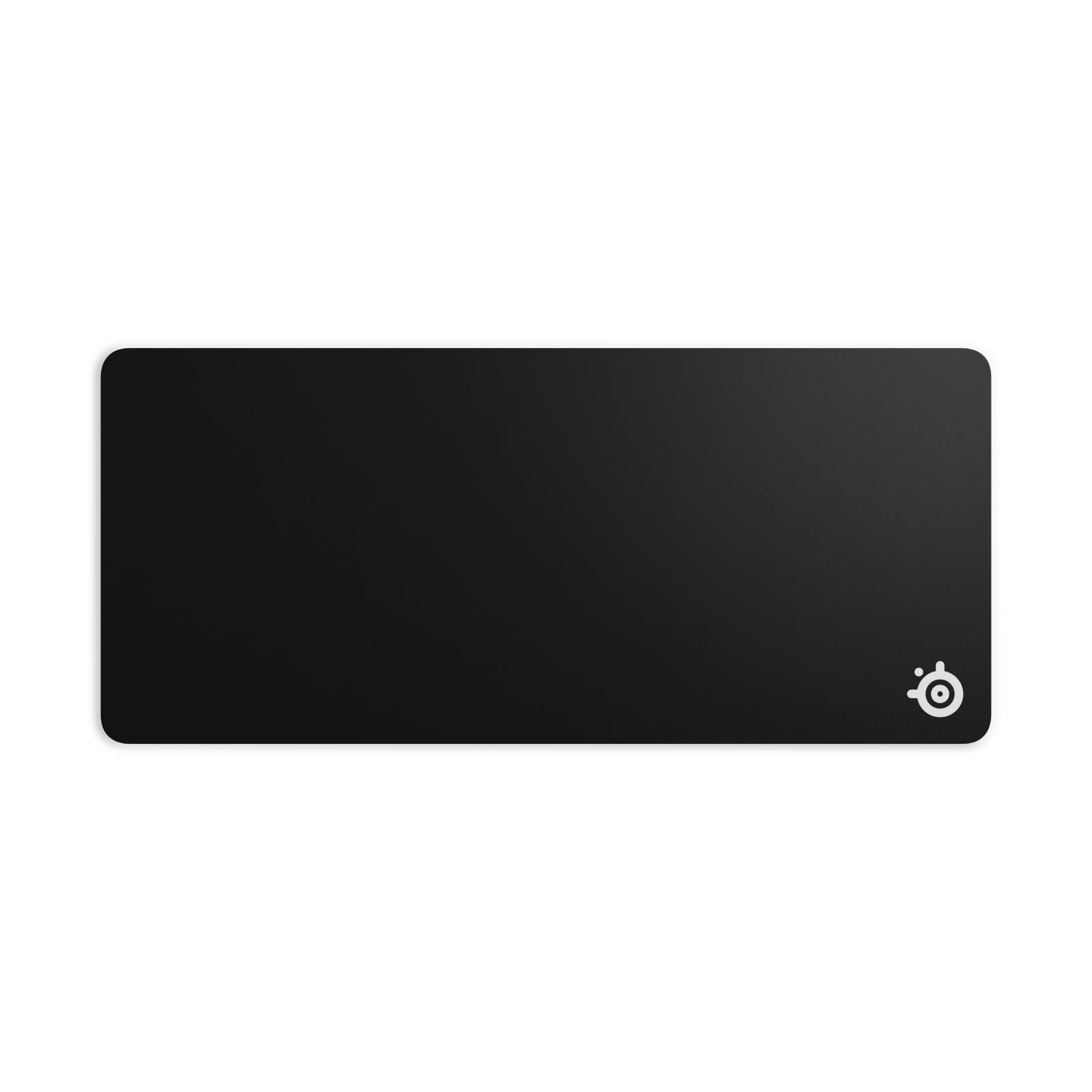
- The XXL surface covers space for a keyboard, mouse, and monitor.
- Its high thread count and smooth surface are designed to optimize mouse tracking accuracy.
- A non-slip rubber base is designed to reduce unwanted movement.
Best Gift For: A remote worker who wants broad desk coverage for a keyboard, mouse, and monitor.
Everlasting Comfort Memory Foam Foot Rest
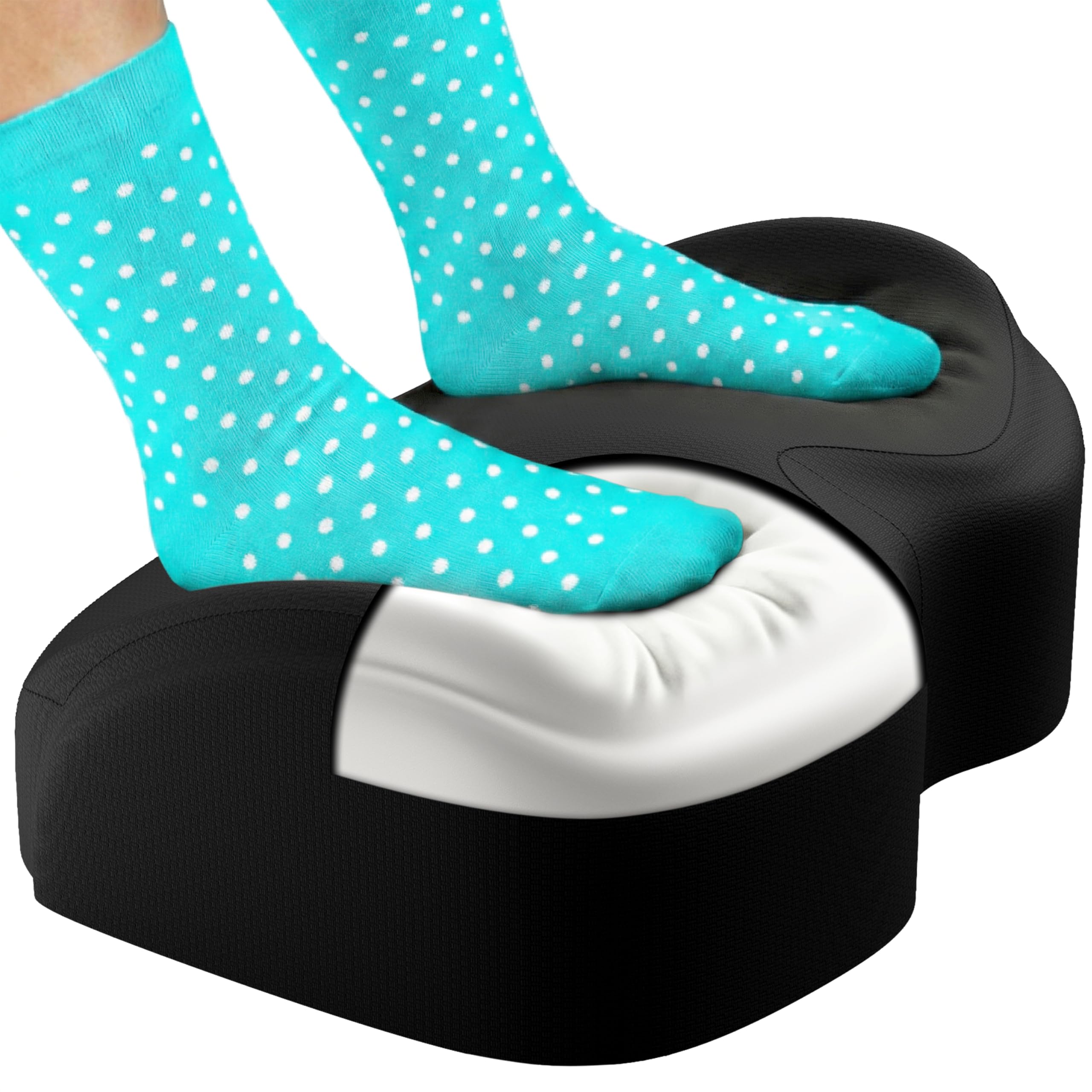
- The memory foam footrest keeps feet elevated at a desk.
- The breathable cover is machine washable.
- A non-slip base is made for use on carpet, tile, or hardwood floors.
Best Gift For: A desk worker who would appreciate a footrest under their home-office workstation.
FIFINE AmpliGame AM8W USB/XLR Microphone

- Connect through USB or XLR, depending on the setup.
- The microphone has a tap-to-mute control and gain knob.
- RGB lighting can be controlled over USB.
Best Gift For: A remote worker who records podcasts, voiceovers, or video content at home.
HUANUO FlowLift Single Monitor Mount

- Fits 13–32 inch monitors and holds 4.4–19.8 lbs.
- It supports either a C-clamp or grommet mount.
- Adjust the monitor with a tilt range from -50°to +85°, ±90 ° swivel, and 360°rotation.
Best Gift For: A remote worker with a compatible monitor who wants an adjustable desk mount.
Gaiatop USB Desk Fan
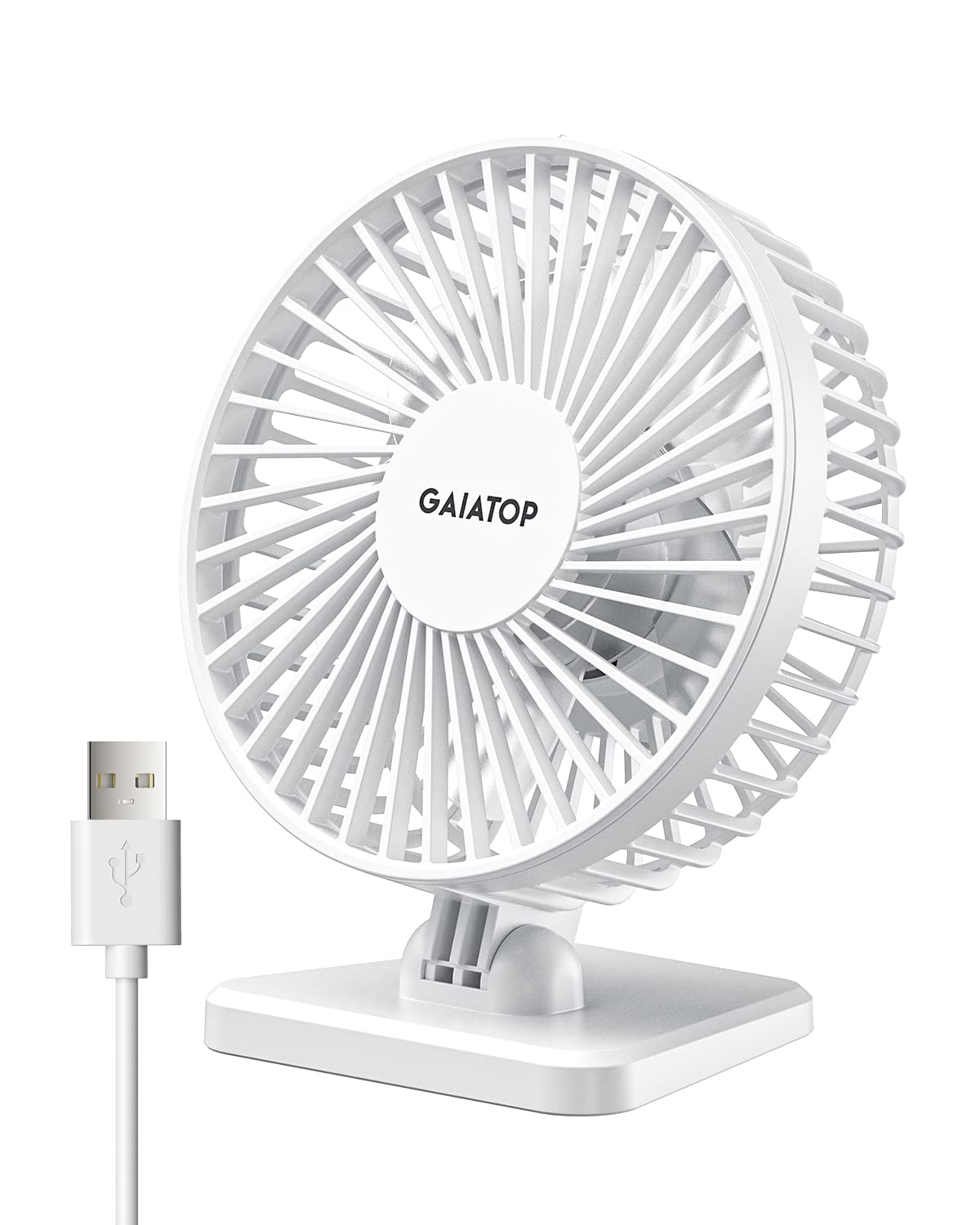
- Choose among low, medium, and high speed settings.
- The fan head tilts vertically to direct airflow.
- It is USB-powered and compatible with several USB power sources.
Best Gift For: A remote worker who wants a small personal fan for a desk or travel.
Clever Fox Planner PRO Light, Undated
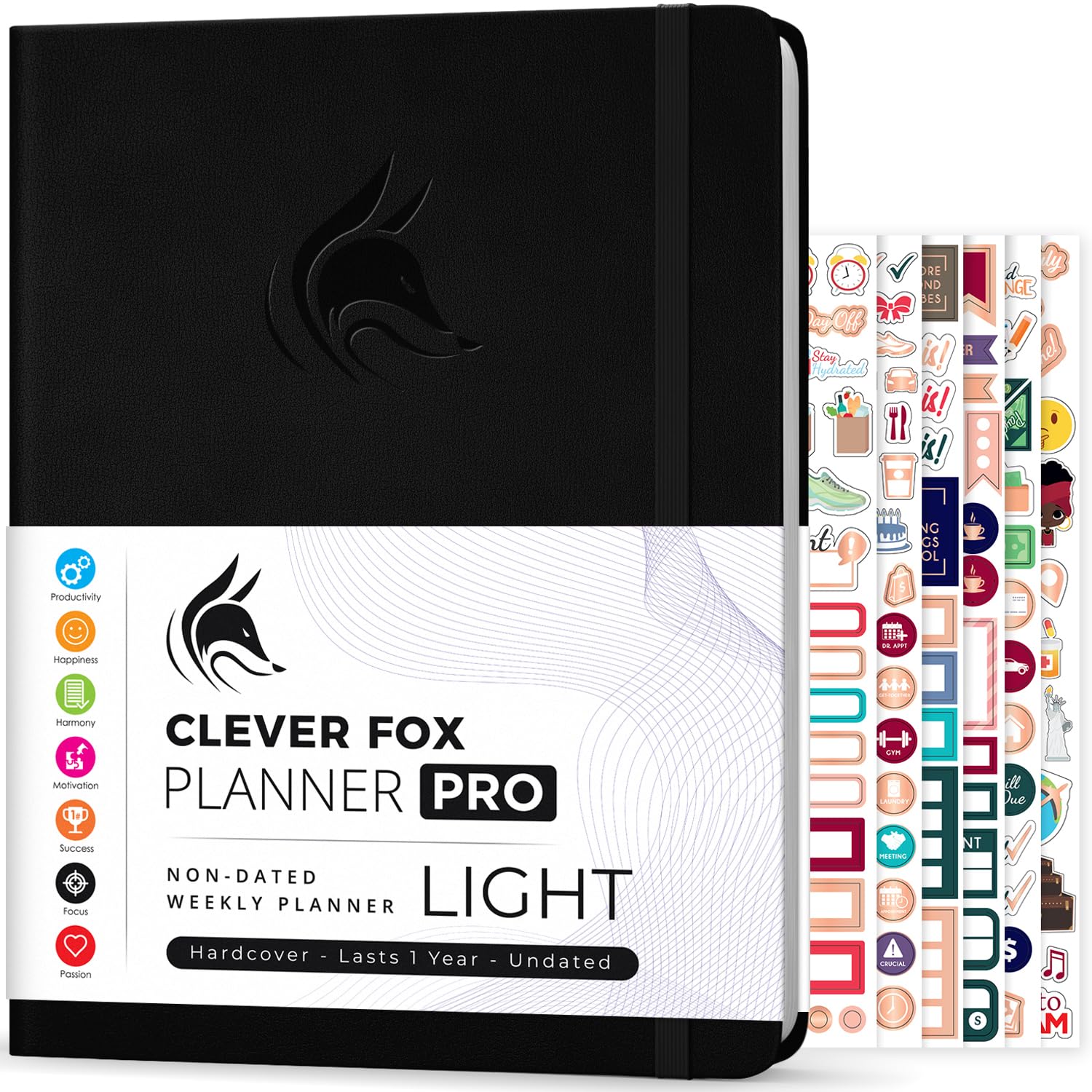
- The undated planner can be started at any time of the year.
- It includes weekly, monthly, and daily agenda planning.
- A quick-start guide and planning stickers are included.
Best Gift For: People who want to organize goals and plan monthly, weekly, and daily agendas.
SKYDUE Rotating Desk Organizer

- Five compartments provide storage while using limited desktop space.
- The holder rotates for easier access to writing tools.
- It can hold everyday office supplies and other small items.
Best Gift For: A remote worker who keeps pens and small office supplies close at hand.
Nulaxy 18-Inch Telescopic Rotating Laptop Stand
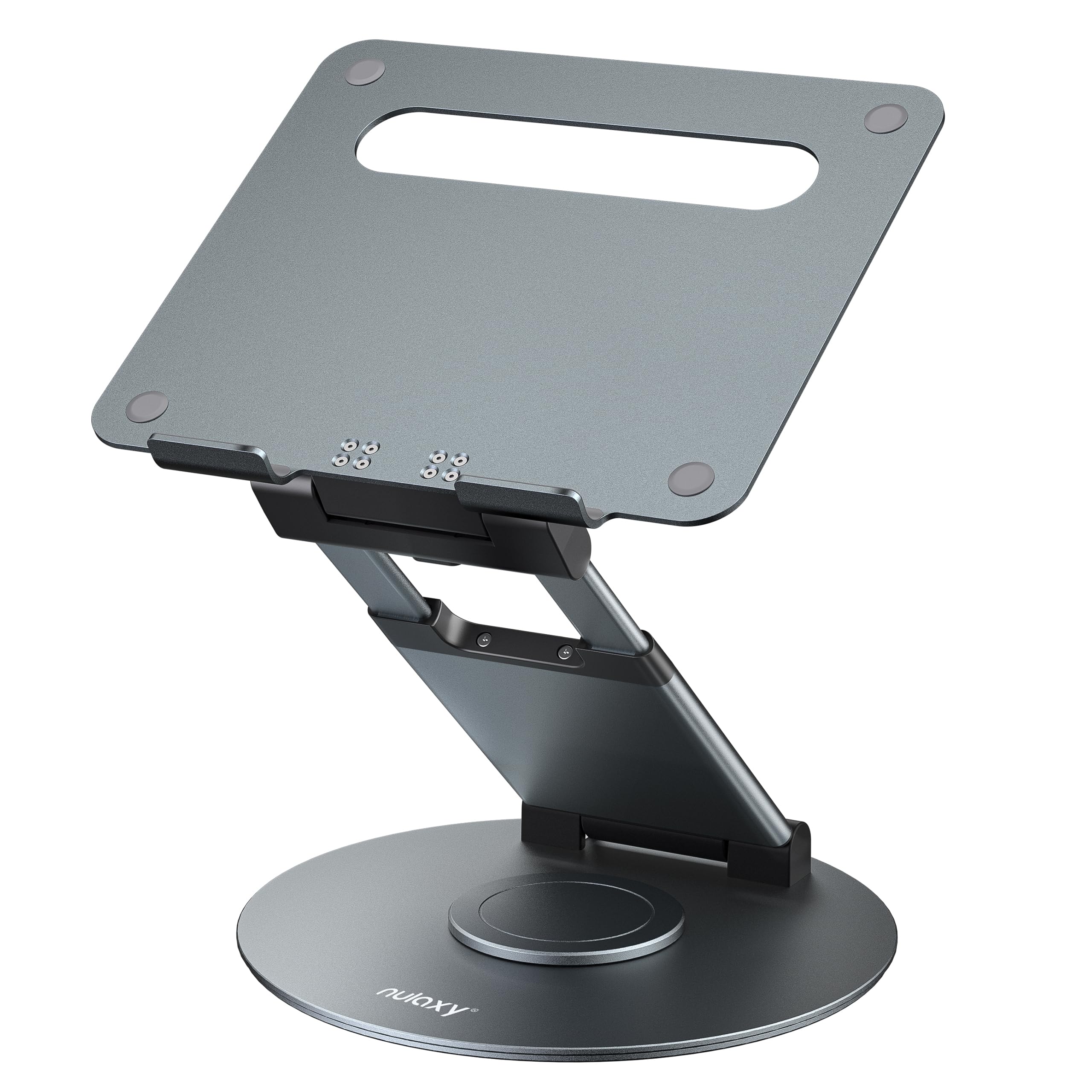
- The height adjusts up to 18 inches for sitting or standing positions.
- The rotating base helps share a screen with someone nearby.
- The stand folds for storage or transport.
Best Gift For: A remote worker who uses a laptop and wants an adjustable workstation for sitting or standing.
Syncwire Clear Cable Clips, 5-Pack with 15 Slots
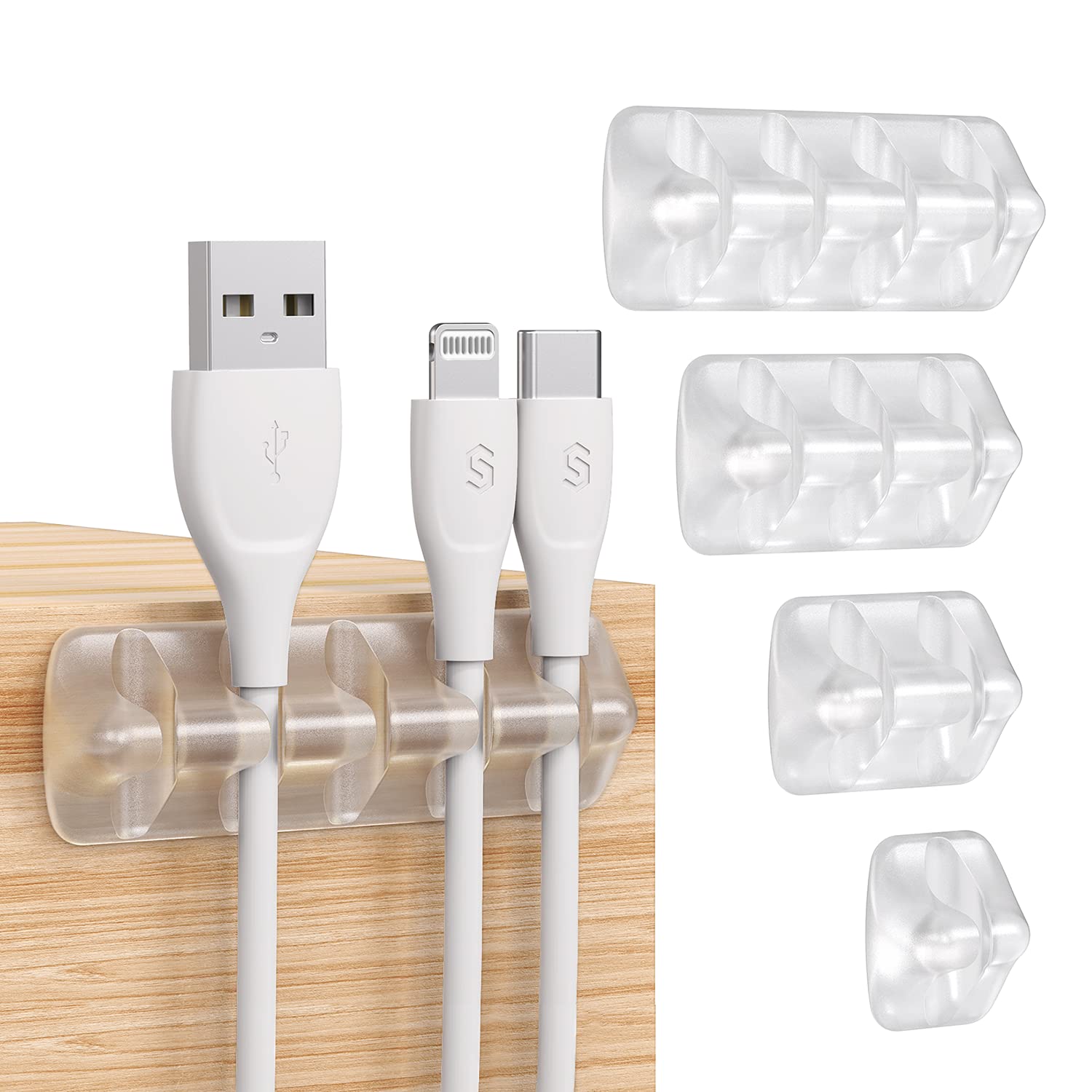
- The pack provides five clips with 15 slots.
- Adhesive pads attach to smooth, clean surfaces.
- The flexible silicone holders bend to help insert cables.
Best Gift For: A remote worker who wants to keep charging and computer cables arranged at a desk.
Choosing Among Gifts for Remote Workers
Start with the recipient’s actual work routine. Someone who spends most of the day on video calls may value a headset, while a person building a recording setup could make use of a microphone.
For gifts for remote workers, match the item to a task they do often rather than choosing by office theme alone.
Think about the workspace before choosing a large upgrade. A standing desk needs enough room, and a monitor arm depends on the monitor and desk being suitable for its mounting options.
If you are unsure about a major change, smaller accessories can be thoughtful without requiring a room rearrangement.
Notice what the person already uses and what gets in the way. A crowded surface, scattered cables, or a laptop-only arrangement points toward different kinds of help.
If you can, ask a casual question about their setup or observe what they mention needing, then choose one practical improvement.
Set a Budget That Fits the Gesture
A useful gift can be small or substantial. Cable clips, an organizer, or a desk fan can suit a modest budget, while a monitor mount or headset may feel like a more involved present.
The standing desk is a larger workspace decision, so it makes sense when you know the recipient wants that kind of upgrade.
For gifts for remote workers, think about whether the gift should stand alone or pair with something they already own. A laptop stand may work best with an external keyboard and mouse; a monitor arm is only useful when the screen and desk fit its requirements.
Check actual prices and compatibility before deciding.
If several people are contributing, agree on a comfortable shared budget and choose one item the recipient has room to use. A practical main gift can be paired with a handwritten note or a favorite snack, without adding clutter or buying extra accessories they may not need.
Personalize the Gift and Its Presentation
Personal details make practical presents feel considered. A planner suits someone who enjoys mapping out goals on paper; a tidy desk organizer may appeal to a person who likes supplies within reach.
Choose according to their habits rather than assuming every remote worker wants the same kind of workspace.
When selecting gifts for remote workers, consider the atmosphere of their workday as well as the task. A quiet desk fan may suit someone who prefers a calm workspace, while a mouse pad with broad coverage may be welcome at a desk used for both work and gaming.
Keep colors and finishes in mind if you know their style.
Presentation can be simple and useful. Wrap the gift with a short note explaining why it made you think of them, or tuck it into a small bundle with a notebook or tea if that suits their routine.
For anything that needs setup, include a card offering help without taking over their workspace.
Check Fit Before You Buy
Workspace gifts often depend on practical details. Before choosing a mount, check the monitor’s compatibility and the desk’s mounting surface.
For a stand or desk, confirm that the recipient has room and that the dimensions suit their space. Product fit matters more than a polished desk photo.
Read the current product details for compatibility, dimensions, included parts, and any setup needs. This is especially helpful for devices that connect to a computer or mobile phone, since ports and operating systems can vary.
Check actual prices too, since budgets and availability can change over time.
For gifts for remote workers, a quick discreet question can prevent an awkward mismatch. Ask what would make their workday easier, whether they prefer a physical planner or digital tools, or whether they are considering a desk change.
If the gift is a surprise, choose something easy to exchange and keep the receipt.
Last-Minute Gift Ideas for Remote Workers
When time is short, start with items that are easy to understand and fit naturally into a desk routine, such as a planner, organizer, or cable clips. Confirm the exact product variant and check the delivery estimate shown at checkout rather than assuming it will arrive by a particular date.
For a more personal last-minute choice, pair a modest desk accessory with a handwritten note that connects it to the recipient’s habits. A practical gift can feel thoughtful when it reflects how they work, whether they like a clear desk, paper planning, or a comfortable place for a laptop.
If a larger workspace upgrade is the best fit, take a moment to verify space, compatibility, and current product details before ordering. When timing is uncertain, consider presenting a card describing the planned gift and letting the recipient confirm the setup that works for them.